
Choosing a UniFi switch: managed, PoE and loop protection
By FöretagsWifi · Published
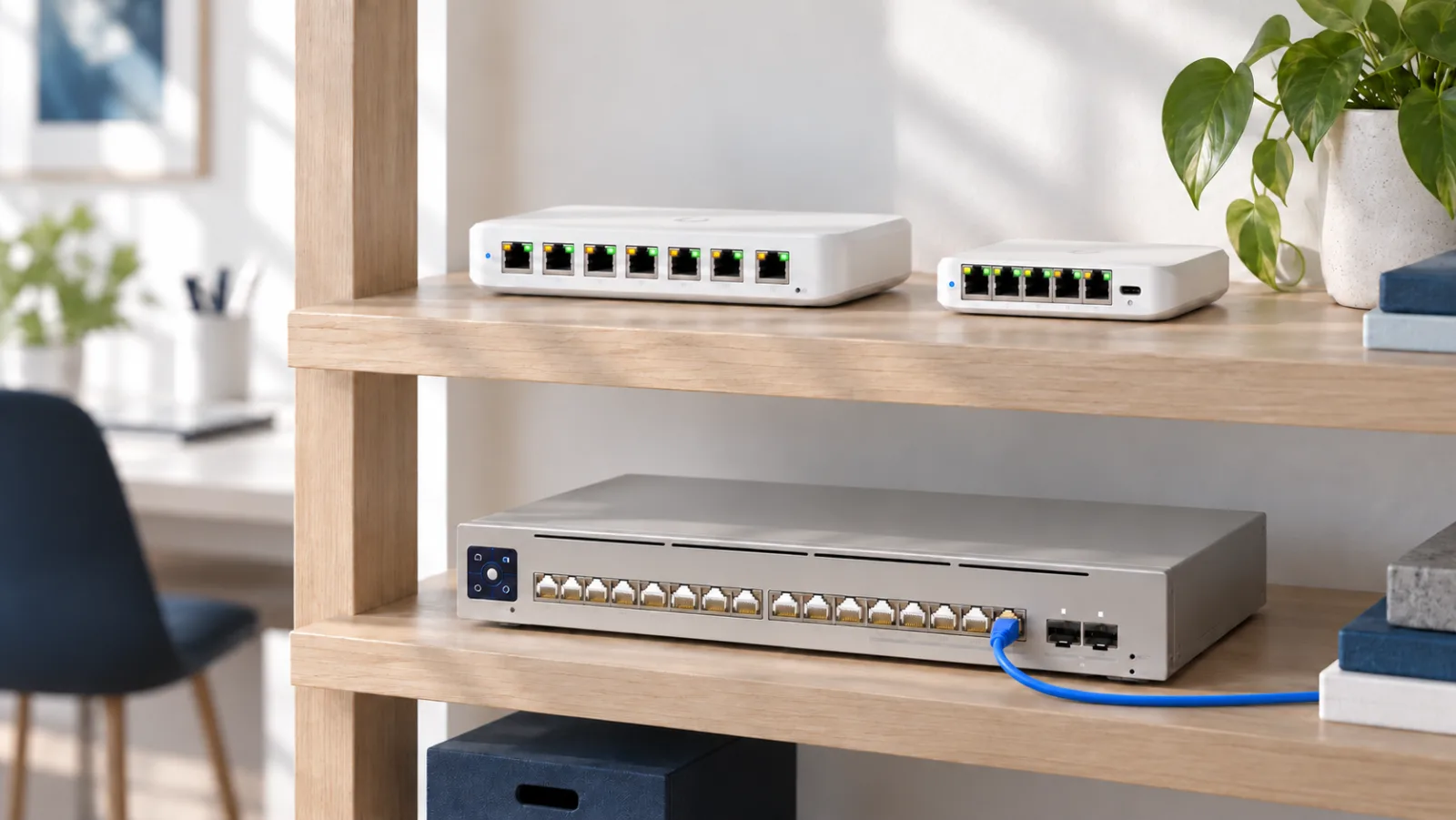
Short answer: every UniFi switch is managed, but they differ in how much they can do. For a few devices by the TV or a desk, a small switch is enough. To power access points and cameras you need PoE, and a PoE budget large enough for them. And as soon as the network has more than one switch, they should have loop protection, so that one wrongly plugged cable cannot take everything down. Here is what sets the switches apart and what to look for.
Managed or unmanaged switch?
An unmanaged switch simply connects whatever is plugged into it. It has no settings: you plug it in and it works, but you cannot see what happens inside it or control the traffic.
A managed switch can be controlled. You can split the network into VLANs, for example one for guests, one for cameras and one for the office computers, see which device sits in which port, restart the power to an access point remotely and update the firmware.
Every UniFi switch is managed and is controlled from UniFi Network, the same app as the gateway and the access points. But the level differs: the smallest switches can split the network into VLANs, while the larger ones also protect against loops, control multicast traffic and can route between VLANs on their own. In our comparison of UniFi switches this is the function level, and you can filter by it.
What is a network loop?
A loop appears when there are two paths between two switches. All it takes is someone connecting a spare cable between two network outlets, or plugging a small desk switch into the wall with two cables.
The trouble is that some messages, called broadcasts, are sent to everyone. A switch forwards them out of all its other ports. With two paths, the message comes back and is sent out again, and with every lap there are more copies. Ethernet has nothing that stops them. After a few seconds the network is full of traffic and stops responding for everyone, not just for the person who plugged in the cable. This is called a broadcast storm.
Two switches are connected by one cable. Traffic flows as it should.
Someone plugs in a second cable between the switches. Now there are two paths between them: a loop.
A computer sends a broadcast, a message to everyone. The switch forwards it out of every other port, so over both cables.
The other switch does the same and sends the copies back over the other cable. Nothing stops them.
The copies loop round and multiply with every lap. This is called a broadcast storm.
In the end the network drowns in traffic and stops responding, for everyone connected.
How STP, RSTP and loop protection keep the network up
STP (Spanning Tree Protocol) lets the switches talk to each other through small messages called BPDUs. They notice when there is more than one path, agree on a single active path and block the rest. The blocked port stays ready as a spare.
RSTP (Rapid STP) is the faster version that UniFi uses. If the active cable fails, RSTP opens the spare path within a few seconds, where the old STP standard could take up to a minute. The extra cable then becomes an advantage instead of a problem.
The same two switches and two cables, but now with STP/RSTP turned on.
The switches send each other small messages called BPDUs, and discover that there are two paths between them.
Switch B blocks its port on the lower cable. Now only one path is active, and the loop is broken.
A computer sends a broadcast. It crosses the active cable once, reaches the other computer, and that is it.
Someone unplugs the active cable, and Computer 2 loses contact with Computer 1.
Within a second or so, RSTP opens the blocked port and traffic flows again. The extra cable is a backup instead of a problem.
Loop protection (Loop Protection in UniFi) is an extra safeguard for loops that STP cannot see, for example behind a simple unmanaged switch at a desk. The switch notices that it receives its own messages and shuts the port.
UniFi's function levels
In the comparison we group the switches into four levels, where each level has everything the one before it has:
- Basic: VLANs and basic management. The Flex Mini and the Flex belong here.
- Loop protection: also STP/RSTP and Loop Protection. The Flex Mini 2.5G and the Ultra are among these.
- Fully managed: also IGMP snooping, which keeps streaming video and audio away from ports that do not need it, 802.1X, which only lets a device in once it has signed in, and ACLs, rules for which traffic may pass. The Lite and Standard series belong here.
- Layer 3: the switch routes traffic between VLANs itself, so traffic within the network does not have to go through the gateway. The Pro, Pro Max and Pro XG series and the Enterprise switches belong here.
For most homes level 2 is enough. In an office with several switches, a guest network and cameras, level 3 is a good minimum, and Layer 3 becomes interesting when there are many VLANs with a lot of traffic between them.
PoE: class and budget
With PoE (Power over Ethernet), access points, cameras and phones get their power through the network cable. Two things decide whether a switch is enough:
- The class per port. PoE gives up to 15 W per port, PoE+ up to 30 W, PoE++ up to 60 W and PoE+++ up to 90 W. More powerful access points and cameras that pan and zoom may need PoE++.
- The budget for the whole switch. All PoE ports share one total. A switch with many PoE ports but a small budget cannot give every port full power at the same time.
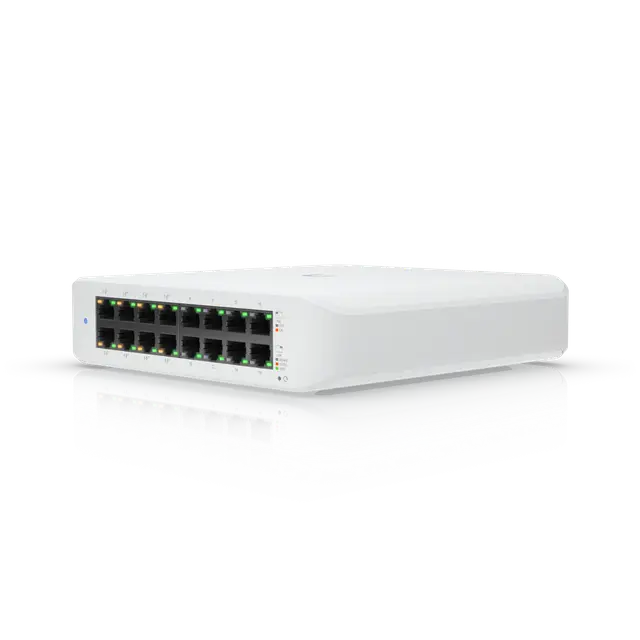
Compact
Switch Lite 16 PoE USW-Lite-16-PoE
€179 excl. VAT
- Number of ports
- 16
- PoE ports
- 8
- PoE budget
- 45 W
- Function level
- Fully managed
- Mounting
- Desktop, Wall
Good to know
- The 45 W PoE budget is shared across the eight PoE+ ports (up to 32 W per port), so not every port can deliver full power at once.
More about Switch Lite 16 PoE →Price from Ubiquiti’s EU store, 2026-10-16
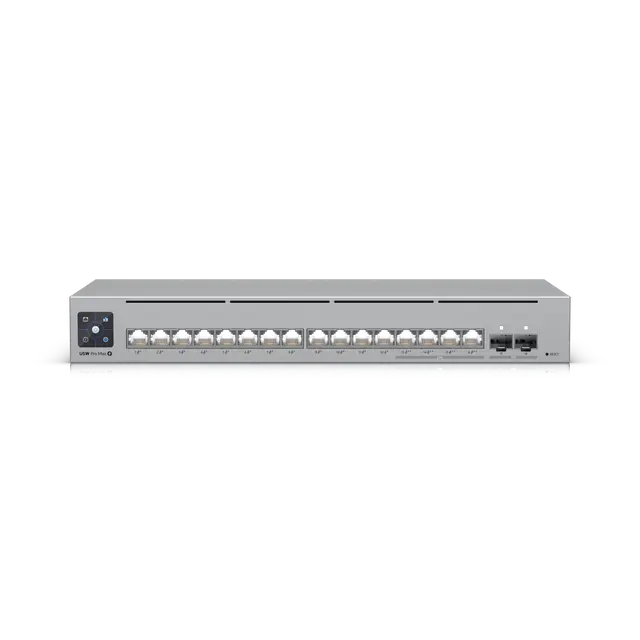
Pro Max and XG
Switch Pro Max 16 PoE USW-Pro-Max-16-PoE
€359 excl. VAT
- Number of ports
- 18
- PoE ports
- 16
- PoE budget
- 180 W
- Function level
- Layer 3
- Mounting
- Desktop, Wall, Rack (1U, rack kit sold separately)
Good to know
- The 180 W PoE budget is shared across the 16 PoE ports (12 PoE+ and 4 PoE++), so not every port can deliver full power at once.
- The Etherlighting light, which shows link speed and VLAN among other things, is brightest with UniFi Etherlighting patch cables, which are sold separately.
More about Switch Pro Max 16 PoE →Price from Ubiquiti’s EU store, 2026-10-16
Ports and speeds
- 1 GbE is enough for most computers, printers and TVs.
- 2.5 GbE suits access points with Wi-Fi 6E and Wi-Fi 7, and internet connections faster than one gigabit.
- 10 GbE and SFP+ are used between switches, for a NAS or servers and for a fast gateway.
SFP ports take a module for fibre, or a short copper cable (DAC), instead of an ordinary network cable. In the comparison you filter by the fastest copper port (RJ45) and the fastest fibre port (SFP) separately.
Rack, noise and backup power
- Rack: the larger switches mount in a 19-inch rack. Some smaller models can be mounted there with a rack kit sold separately, which the product page then says.
- Noise: the smaller switches and several rack models are fanless and silent. Those with fans belong in a network cabinet, not in an office.
- Backup power: several Pro models have an input for UniFi Power Backup (USP-RPS), sold separately. The Enterprise Campus and Audio/Video switches have two power supplies and fans that can be replaced while running.
Which one suits you?
At home, a few devices by the TV or a desk. A small fanless switch with loop protection, such as the Flex Mini 2.5G.
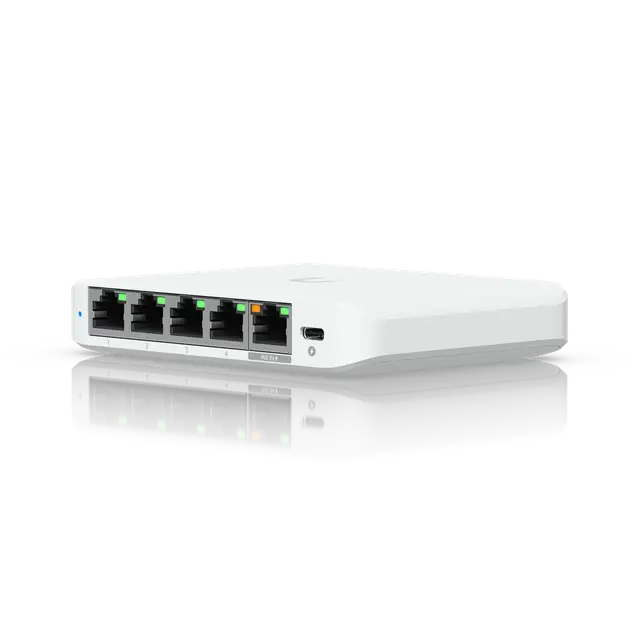
Compact
Switch Flex Mini 2.5G USW-Flex-2.5G-5
€45 excl. VAT
- Number of ports
- 5
- Function level
- Loop protection
- Mounting
- Desktop
Good to know
- Can be powered through a PoE input or the included USB-C adapter but has no PoE output.
More about Switch Flex Mini 2.5G →Price from Ubiquiti’s EU store, 2026-10-16
A home or small office with access points and cameras. A small PoE switch. The Ultra has loop protection and can itself be powered by PoE; the Lite 8 PoE is fully managed.
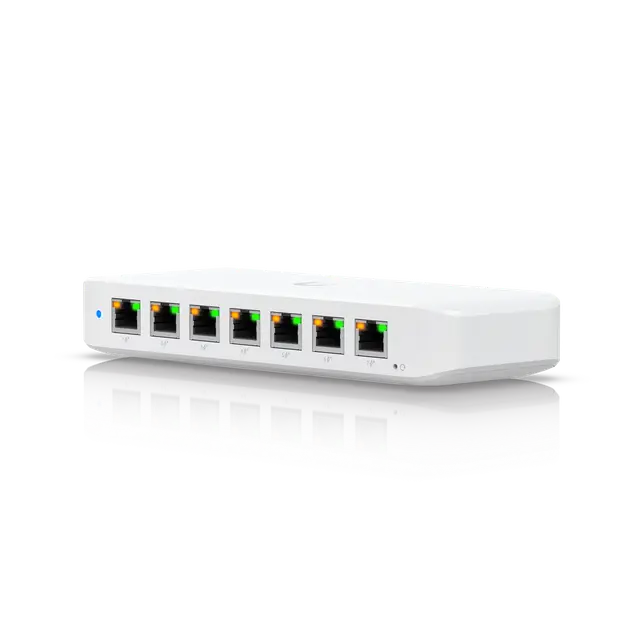
Compact
Switch Ultra USW-Ultra
from €90 excl. VAT
- Number of ports
- 8
- PoE ports
- 7
- PoE budget
- 202 W
- Function level
- Loop protection
- Mounting
- Desktop, Wall, Magnetic
Good to know
- A PoE input is enough to run the switch, but PoE output needs a PoE+/PoE++ input or an AC adapter.
- Ubiquiti's PoE budgets apply at 45 °C; at 60 °C the figure is reduced to 161 W (230 V).
More about Switch Ultra →Price from Ubiquiti’s EU store, 2026-10-16
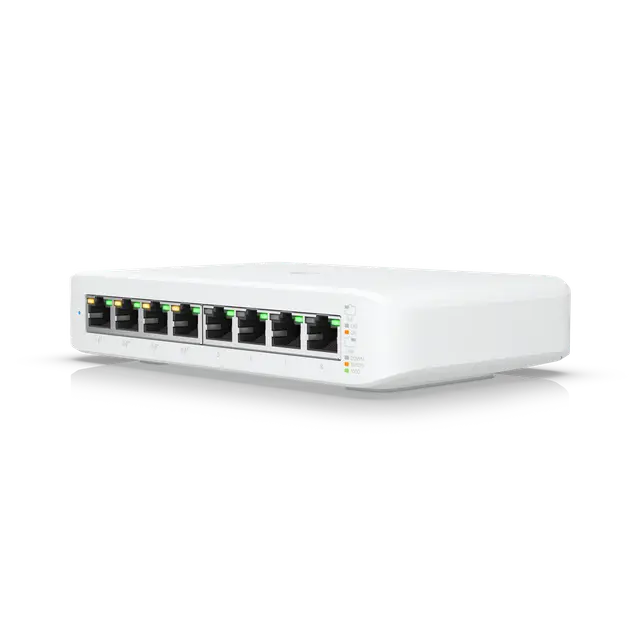
Compact
Switch Lite 8 PoE USW-Lite-8-PoE
€99 excl. VAT
- Number of ports
- 8
- PoE ports
- 4
- PoE budget
- 52 W
- Function level
- Fully managed
- Mounting
- Desktop, Wall
Good to know
- The 52 W PoE budget is shared across the four PoE+ ports (up to 30 W per port), so not every port can deliver full power at once. The budget applies with the included 60 W power adapter.
More about Switch Lite 8 PoE →Price from Ubiquiti’s EU store, 2026-10-16
An office with Wi-Fi 7 and a network cabinet. The Pro Max series has Layer 3 and Etherlighting, and its PoE models have 2.5 GbE ports with PoE++. The Pro Max 16 PoE is fanless and also fits on a shelf; the larger models go in the rack.
Compact UniFi switches side by side
34 of 34 featuresSwipe sideways to see more models.
| Feature | 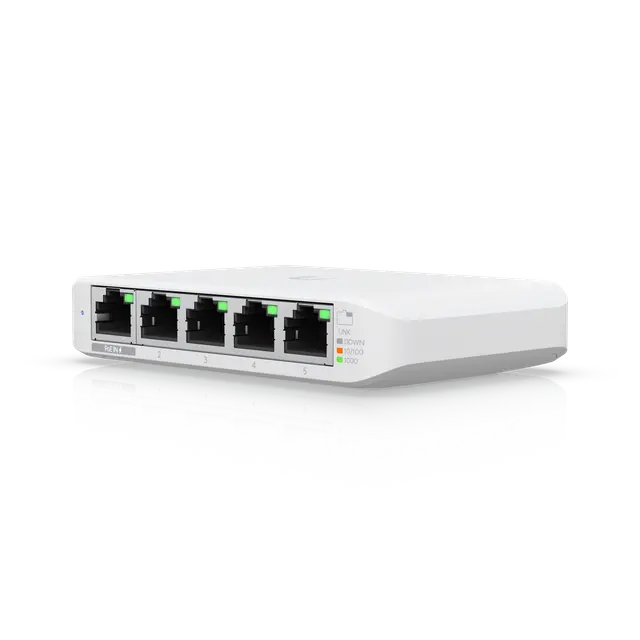 Switch Flex MiniCompact Switch Flex MiniCompact | Switch Flex Mini 2.5GCompact | 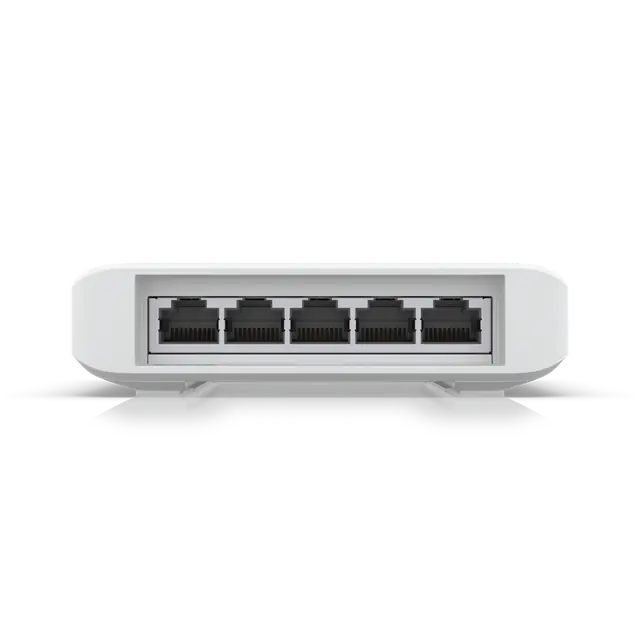 Switch FlexCompact Switch FlexCompact | Switch UltraCompact | Switch Lite 8 PoECompact | 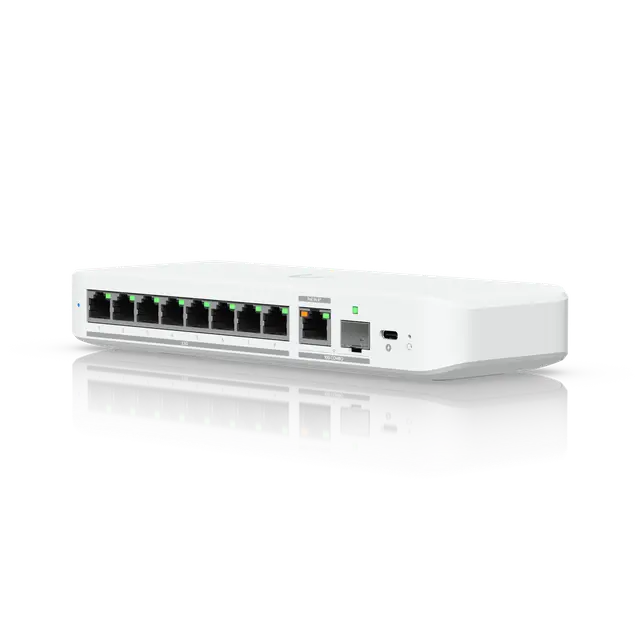 Switch Flex 2.5GCompact Switch Flex 2.5GCompact | 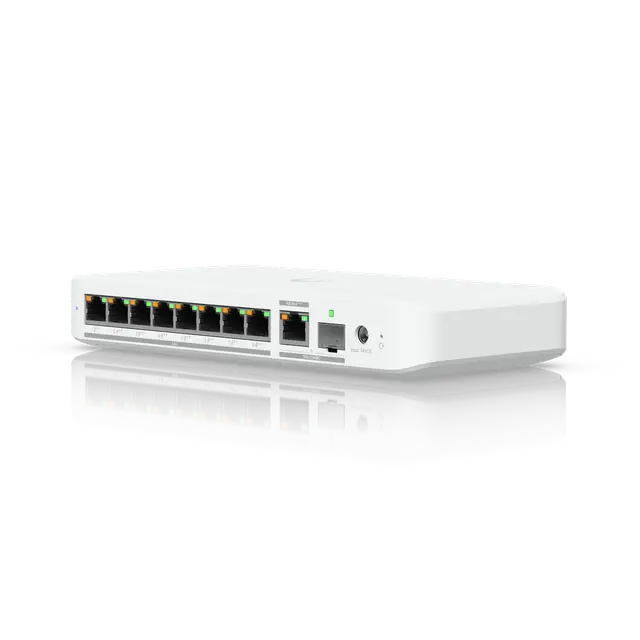 Switch Flex 2.5G PoECompact Switch Flex 2.5G PoECompact | Switch Lite 16 PoECompact | 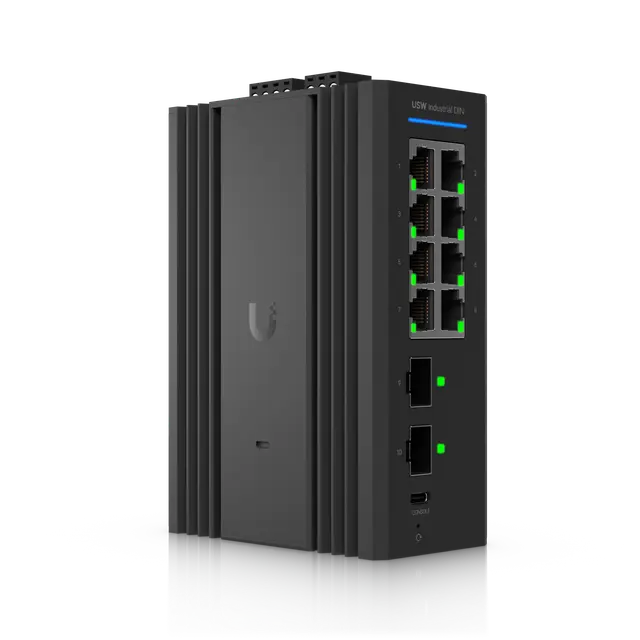 Switch Industrial DIN 8Compact Switch Industrial DIN 8Compact | 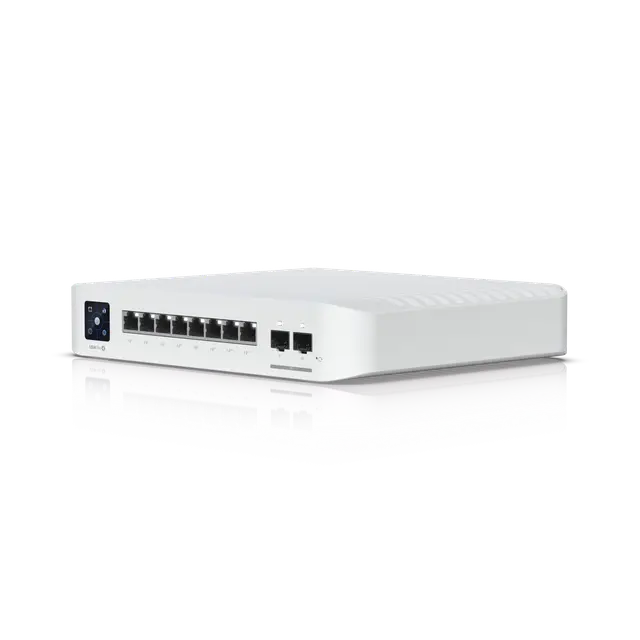 Switch Pro 8 PoECompact Switch Pro 8 PoECompact | 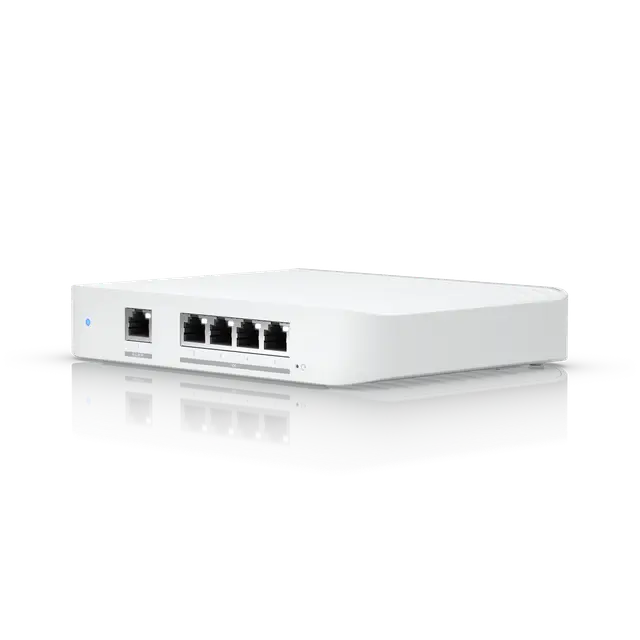 Switch Flex XGCompact Switch Flex XGCompact | 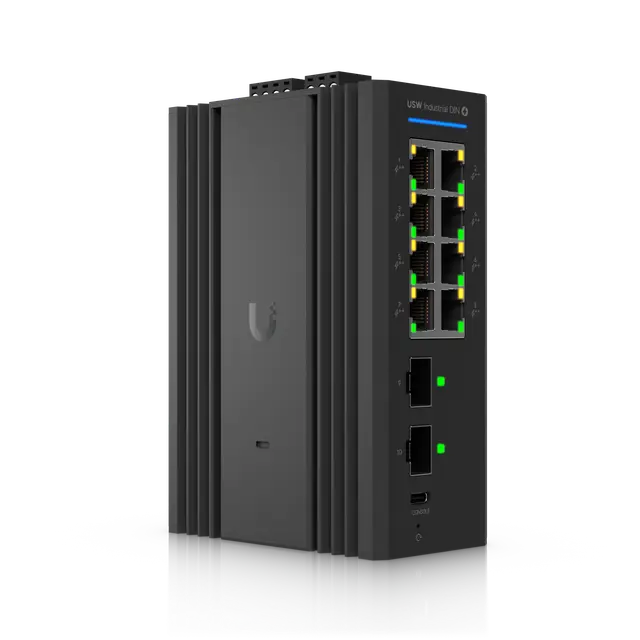 Switch Industrial DIN 8 PoECompact Switch Industrial DIN 8 PoECompact | 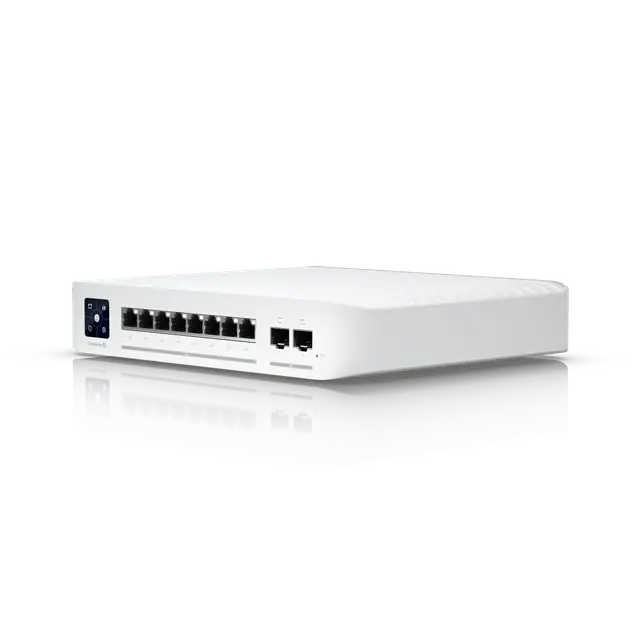 Switch Enterprise 8 PoE (Vintage)Compact Switch Enterprise 8 PoE (Vintage)Compact | 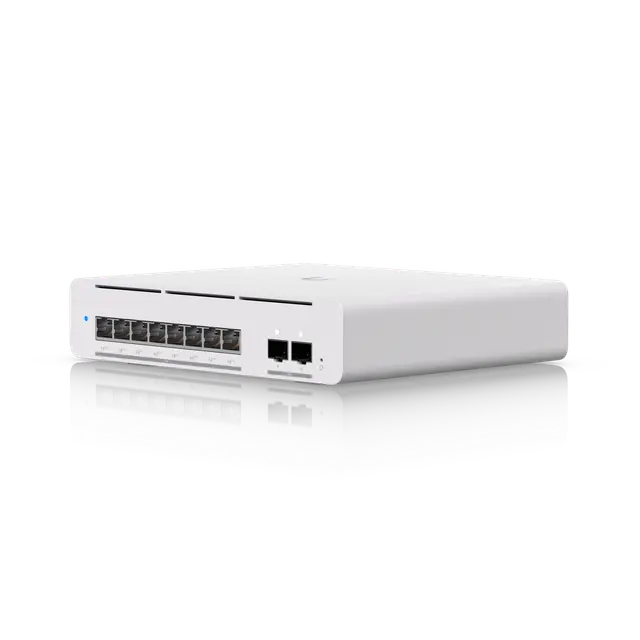 Switch Pro XG 8 PoECompact Switch Pro XG 8 PoECompact | 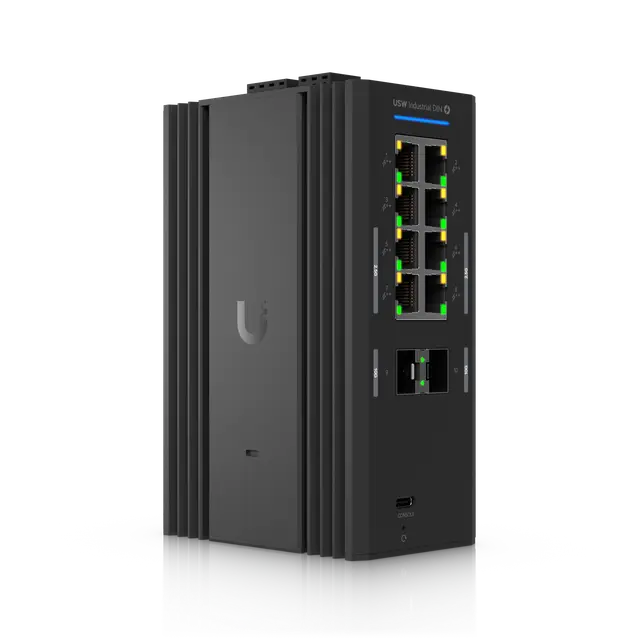 Switch Industrial DIN 2.5G 8 PoECompact Switch Industrial DIN 2.5G 8 PoECompact |
|---|---|---|---|---|---|---|---|---|---|---|---|---|---|---|---|
| Overview | |||||||||||||||
| Price (excl. VAT) | €26 3-pack: €75 5-pack: €125 | €45 | €89 3-pack: €255 | Without adapter: €90 With 60 W adapter: €129 With 210 W adapter: €185 | €99 | €145 | €179 | €179 | €250 | €269 | €270 | €295 | €430 | €449 | Not specified |
| Function level | Basic | Loop protection | Basic | Loop protection | Fully managed | Loop protection | Loop protection | Fully managed | Fully managed | Layer 3 | Fully managed | Fully managed | Layer 3 | Layer 3 | Not specified |
| Ports and PoE | |||||||||||||||
| Ports | 5 × 1 Gbps RJ45 | 5 × 2.5 Gbps RJ45 | 4 × 1 Gbps RJ45 (PoE+) 1 × 1 Gbps RJ45 (PoE++ input) | 7 × 1 Gbps RJ45 (PoE+) 1 × 1 Gbps RJ45 (PoE++ input) | 4 × 1 Gbps RJ45 (PoE+) 4 × 1 Gbps RJ45 | 8 × 2.5 Gbps RJ45 1 × 10 Gbps RJ45 (combo port) 1 × 10 Gbps SFP+ (combo port) | 8 × 2.5 Gbps RJ45 (PoE++) 1 × 10 Gbps RJ45 (PoE+++ input, combo port) 1 × 10 Gbps SFP+ (combo port) | 8 × 1 Gbps RJ45 (PoE+) 8 × 1 Gbps RJ45 | 8 × 1 Gbps RJ45 2 × 1 Gbps SFP | 6 × 1 Gbps RJ45 (PoE+) 2 × 1 Gbps RJ45 (PoE++) 2 × 10 Gbps SFP+ | 1 × 1 Gbps RJ45 4 × 10 Gbps RJ45 | 8 × 1 Gbps RJ45 (PoE++) 2 × 1 Gbps SFP | 8 × 2.5 Gbps RJ45 (PoE+) 2 × 10 Gbps SFP+ | 8 × 10 Gbps RJ45 (PoE++) 2 × 10 Gbps SFP+ | Not specified |
| Number of ports | 5 | 5 | 5 | 8 | 8 | 9 | 9 | 16 | 10 | 10 | 5 | 10 | 10 | 10 | Not specified |
| PoE ports | – | – | 4 | 7 | 4 | – | 8 | 8 | – | 8 | – | 8 | 8 | 8 | Not specified |
| Strongest PoE | – | – | PoE+ | PoE+ | PoE+ | – | PoE++ | PoE+ | – | PoE++ | – | PoE++ | PoE+ | PoE++ | Not specified |
| PoE budget | – | – | 46 W | 202 W | 52 W | – | 196 W | 45 W | – | 120 W | – | 480 W | 120 W | 155 W | Not specified |
| Performance | |||||||||||||||
| Switching capacity | 10 Gbps | 25 Gbps | 10 Gbps | 16 Gbps | 16 Gbps | 60 Gbps | 60 Gbps | 32 Gbps | 20 Gbps | 56 Gbps | 82 Gbps | 20 Gbps | 80 Gbps | 200 Gbps | Not specified |
| Forwarding rate | 7 Mpps | 19 Mpps | 7 Mpps | 12 Mpps | 12 Mpps | 45 Mpps | 45 Mpps | 24 Mpps | 14.88 Mpps | 42 Mpps | 61 Mpps | 14.88 Mpps | 60 Mpps | 149 Mpps | Not specified |
| VLANs | 1,000 | 256 | 1,000 | 256 | 1,000 | 256 | 256 | 1,000 | 1,000 | 1,000 | 1,000 | 1,000 | 1,000 | 1,000 | Not specified |
| MAC table | 2,000 | 4,000 | 2,000 | 4,000 | 8,000 | 4,000 | 4,000 | 8,000 | 8,000 | 16,000 | 16,000 | 8,000 | 16,000 | 32,000 | Not specified |
| Features | |||||||||||||||
| Layer 3 routing | No | No | No | No | No | No | No | No | No | Yes | No | No | Yes | Yes | Not specified |
| STP and RSTP | No | Yes | No | Yes | Yes | Yes | Yes | Yes | Yes | Yes | Yes | Yes | Yes | Yes | Not specified |
| Loop protection | No | Yes | No | Yes | Yes | Yes | Yes | Yes | Yes | Yes | Yes | Yes | Yes | Yes | Not specified |
| IGMP snooping | No | No | No | No | Yes | No | No | Yes | Yes | Yes | Yes | Yes | Yes | Yes | Not specified |
| 802.1X | No | No | No | No | Yes | No | No | Yes | Yes | Yes | Yes | Yes | Yes | Yes | Not specified |
| IP-based ACLs | No | No | No | No | Yes | No | No | Yes | Yes | Yes | Yes | Yes | Yes | Yes | Not specified |
| DHCP snooping | No | No | No | No | Yes | No | No | Yes | Yes | Yes | Yes | Yes | Yes | Yes | Not specified |
| Link aggregation (LACP) | No | No | No | No | Yes | No | No | Yes | Yes | Yes | Yes | Yes | Yes | Yes | Not specified |
| Stacking | No | No | No | No | No | No | No | No | No | No | No | No | No | No | Not specified |
| MC-LAG | No | No | No | No | No | No | No | No | No | No | No | No | No | No | Not specified |
| Pro AV profiles | No | No | No | No | No | No | No | No | No | No | No | No | No | Yes | Not specified |
| Etherlighting | No | No | No | No | No | No | No | No | No | No | No | No | No | Yes | Not specified |
| Power and redundancy | |||||||||||||||
| Power supply | USB-C (adapter included) PoE in (PoE) | USB-C (adapter included) PoE in (PoE) | PoE in (PoE++) | Power adapter (adapter sold separately) PoE in (PoE++) | Power adapter (adapter included) | USB-C (adapter included) PoE in (PoE+) | Power adapter (adapter sold separately) PoE in (PoE+++) | Power cord (C13) | DC terminal block | Power cord (C13) | USB-C (adapter included) PoE in (PoE+) | DC terminal block | Power cord (C13) | Power adapter (adapter included) | Not specified |
| Redundant power | – | – | – | – | – | – | – | – | Two built-in power inputs | – | – | Two built-in power inputs | – | – | Not specified |
| Hot-swappable power supplies | – | – | – | – | – | – | – | – | – | – | – | – | – | – | Not specified |
| Max power draw | 2.5 W | 5 W | 5 W (excl. PoE) | 9 W (excl. PoE) | 8 W (excl. PoE) | 14 W | 14 W (excl. PoE) | 15 W (excl. PoE) | 12 W | 30 W (excl. PoE) | 25 W | 12 W (excl. PoE) | 30 W (excl. PoE) | 61 W (excl. PoE) | Not specified |
| Hardware | |||||||||||||||
| Display | – | – | – | – | – | – | – | – | – | 1.3" touchscreen | – | – | 1.3" touchscreen | – | Not specified |
| Cooling | Fanless | Fanless | Fanless | Fanless | Fanless | Fanless | Fanless | Fanless | Fanless | Fan* (From a community source) | Fanless | Fanless | Fan* (From a community source) | Fan* (From a community source) | Fanless |
| Physical | |||||||||||||||
| Mounting | Desktop | Desktop | Desktop, Wall, Pole | Desktop, Wall, Magnetic | Desktop, Wall | Desktop, Wall, DIN rail, Magnetic | Desktop, Wall, DIN rail, Magnetic | Desktop, Wall | Wall, DIN rail | Desktop, Wall | Desktop, Wall | Wall, DIN rail | Desktop | Desktop, Wall | Not specified |
| Dimensions | 107 × 70 × 21 mm | 117.1 × 90 × 21.2 mm | 122.5 × 107.1 × 28 mm | 203 × 76 × 33 mm | 99.6 × 163.7 × 31.7 mm | 212.9 × 76 × 33.5 mm | 212.9 × 99.4 × 33.5 mm | 192 × 185 × 44 mm | 139 × 100 × 52 mm | 200 × 248 × 44 mm | 135 × 185 × 32 mm | 139 × 100 × 52 mm | 200 × 248 × 44 mm | 210.4 × 173.8 × 43.7 mm | Not specified |
| Weight | 150 g | 206 g | 230 g | 320 g | 295 g | 395 g | 567 g | 1.2 kg | 870 g | 2.1 kg | 1.2 kg | 910 g | 2.4 kg | 1.6 kg | Not specified |
| Operating temperature | -5 to 45 °C | -20 to 45 °C | -40 to 55 °C | -30 to 60 °C | -15 to 40 °C | -20 to 45 °C | -20 to 45 °C | -15 to 40 °C | -30 to 70 °C | -5 to 45 °C | -5 to 45 °C | -30 to 70 °C | -5 to 45 °C | -5 to 45 °C | Not specified |
| Good to know | |||||||||||||||
| Notes | The USB-C power adapter comes only with the single pack, not with the 3- and 5-packs. Can be powered through a PoE input (802.3af/at) but has no PoE output. | Can be powered through a PoE input or the included USB-C adapter but has no PoE output. | Made for both indoor and outdoor use; the USW-Flex-Utility enclosure (sold separately) is for exposed outdoor locations. Pole mounting requires the USW-Flex-Utility accessory. | A PoE input is enough to run the switch, but PoE output needs a PoE+/PoE++ input or an AC adapter. Ubiquiti's PoE budgets apply at 45 °C; at 60 °C the figure is reduced to 161 W (230 V). | The 52 W PoE budget is shared across the four PoE+ ports (up to 30 W per port), so not every port can deliver full power at once. The budget applies with the included 60 W power adapter. | The 10 GbE RJ45 and 10G SFP+ ports are one combo uplink: only one of them can be used at a time. DIN rail and magnetic mounting need accessories sold separately. Ubiquiti lists outdoor installation when the switch is paired with a Flex Utility enclosure, sold separately. | The 10 GbE RJ45 and 10G SFP+ ports are one combo uplink: only one of them can be used at a time. DIN rail and magnetic mounting need accessories sold separately. Ubiquiti lists outdoor installation when the switch is paired with a Flex Utility enclosure, sold separately. | The 45 W PoE budget is shared across the eight PoE+ ports (up to 32 W per port), so not every port can deliver full power at once. | A power supply is not included. The switch runs on 12–60 V DC through a terminal block and has two DC inputs for redundant power. Has a dry contact relay output for connecting external alarms and automation. | The 120 W PoE budget is shared across the eight PoE ports (six PoE+ and two PoE++), so not every port can deliver full power at once. | Can be powered through a PoE+ input or the included 25 W USB-C adapter but has no PoE output. Ubiquiti's datasheet says the switch must not be physically stacked. | A power supply is not included. PoE+/PoE++ output needs 50–57 V DC at the input, and the PoE budget of up to 480 W depends on the supply you connect. Has a dry contact relay output for connecting external alarms and automation. | Ubiquiti classes this model as Vintage: it is no longer manufactured or actively developed but may still be available to buy. It continues to receive critical bug fixes and security updates. Ubiquiti says the switch should not be physically stacked. The 120 W PoE budget is shared across the eight PoE+ ports (up to 32 W per port), so not every port can deliver full power at once. | The 155 W PoE budget is shared across the eight PoE++ ports (up to 60 W per port), so not every port can deliver full power at once. The RJ45 ports run at 10 Gbps and also support 5G, 2.5G, 1G and 100M. | Has a dry contact relay output for connecting external alarms and automation. |
* From a community source, such as McCann Tech’s comparisons, not from Ubiquiti.
Prices in euros excluding VAT from Ubiquiti’s EU store, fetched 2026-10-16. The store may add a temporary surcharge for memory costs of about 10%.
“Not specified” means that neither Ubiquiti nor the sources we use state the value. “–” means it does not apply to the product.
Every model, with filters for ports, PoE, function level and backup power, is in the comparison of UniFi switches.
Frequently asked questions
Does a UniFi switch work without a Cloud Gateway?
It forwards traffic straight out of the box, like any switch. For settings such as VLANs, loop protection and PoE per port it needs to be managed by UniFi Network, which runs on a Cloud Gateway or your own server.
What is the difference between STP and RSTP?
Both let the switches find a single active path and block extra paths, so that no loops form. RSTP is the faster version: when the active path disappears, it opens the spare path within a few seconds instead of up to a minute.
Can I mix UniFi switches with other brands?
Yes, the switches follow the same standards for Ethernet, PoE and VLANs. Only UniFi devices are shown and managed in UniFi Network, so you get the best overview when the switches are UniFi.
Do the prices include VAT?
No. Prices are in euros excluding VAT and come from Ubiquiti’s EU store. The date we fetched them is shown under the tables and on the product cards.