
Access points · Wall
Access Point U6 Extender
U6-Extender€135 excl. VATSold out
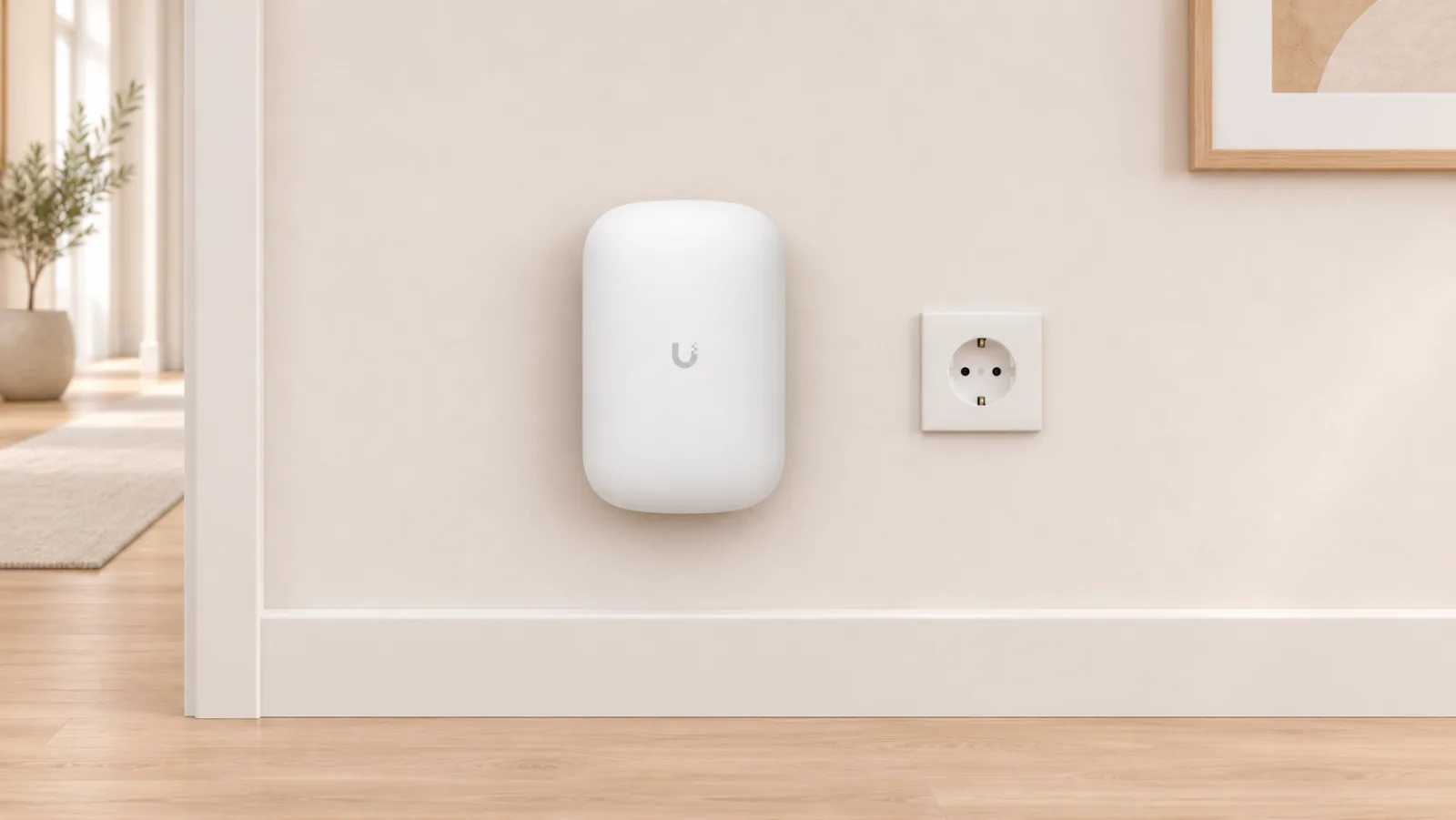
Access Point U6 Extender is a Wi-Fi 6 access point that plugs into a regular wall socket and extends the Wi-Fi of a UniFi access point wirelessly.
Who it suits
Suits homes and smaller premises with a UniFi access point where one room still has weak Wi-Fi and there is a power socket but no network cable, for example a garage, a basement or a room at the far end of the house. It should stand where the signal from the existing access point is still good, since it picks up the network wirelessly and gives lower speeds than an access point on a cable. Where a cable can be run, an ordinary access point is the better choice.
At a glance
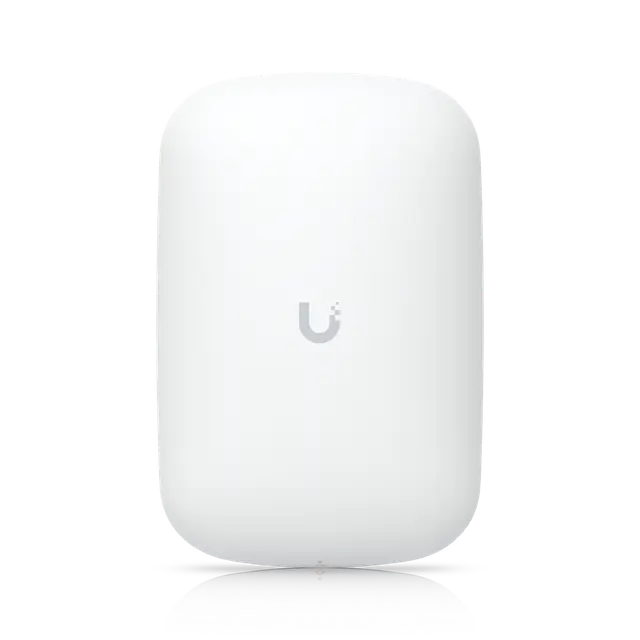
- Wi-Fi standard
- Wi-Fi 6
- Bands and top speed
- 5 GHz 4×4: 4.8 Gbps (160 MHz)2.4 GHz 2×2: 574 Mbps (40 MHz)
- Max power draw
- 11 W
- Mounting
- Wall
Good to know
- Cannot be set up standalone: it needs UniFi WiFi managed by a UniFi console or a self-hosted UniFi Network Server.
- Plugs straight into a standard wall socket (EU plug) and connects wirelessly to the nearest UniFi access point. It has no Ethernet port.
Price from Ubiquiti’s EU store, 2026-11-07
In the box
We have not listed the box contents yet.
Specifications
| Overview | |
|---|---|
| Price (excl. VAT) | €135 |
| Wi-Fi standard | Wi-Fi 6 |
| Bands and top speed | 5 GHz 4×4: 4.8 Gbps (160 MHz) 2.4 GHz 2×2: 574 Mbps (40 MHz) |
| Wi-Fi | |
| Spatial streams | 6 |
| Max clients | 250+ |
| Coverage | 115 m² |
| Max TX power | 5 GHz: 26 dBm 2.4 GHz: 22 dBm |
| Antenna gain | 5 GHz: 6 dBi 2.4 GHz: 5 dBi |
| Antennas | Built-in |
| Wi-Fi chip | Qualcomm IPQ5018 + QCN9024 |
| Connection and power | |
| Network port | – |
| Ports | – |
| PoE needed | – |
| Max power draw | 11 W |
| PoE adapter included | – |
| PoE out | – |
| Physical | |
| Mounting | Wall |
| Weatherproofing (IP rating) | – |
| Dimensions | 169.7 × 112.2 × 77.6 mm |
| Weight | 340 g |
| Operating temperature | -10 to 50 °C |
Prices in euros excluding VAT from Ubiquiti’s EU store, fetched 2026-11-07. The store may add a temporary surcharge for memory costs of about 10%.
“Not specified” means that neither Ubiquiti nor the sources we use state the value. “–” means it does not apply to the product.
Sources
Specifications come from Ubiquiti: the technical datasheets, the EU store and ui.com. The price comes from the EU store.
Show all sources (3)
Details such as chipset, RAM type and cooling come from these sources:
Ubiquiti
- apps.fcc.gov – Wi-Fi chip
- eu.store.ui.com – PoE adapter included; notes
FCC filing
- apps.fcc.gov – Wi-Fi chip; Antennas
Compare with other Access points
Showing 6 of 28 products22 of 22 featuresSwipe sideways to see more models.
| Feature | Access Point U6 ExtenderWall |  Access Point U7 In-WallWall |  Access Point U6 In-WallWall | 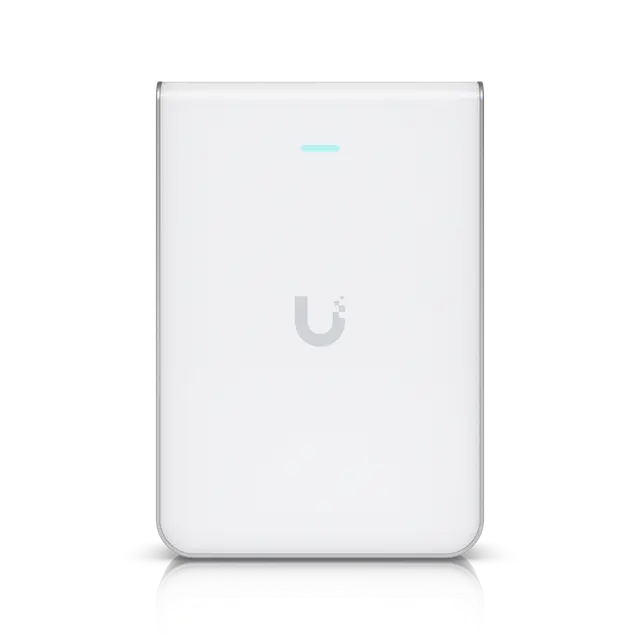 Access Point U7 Pro WallWall | 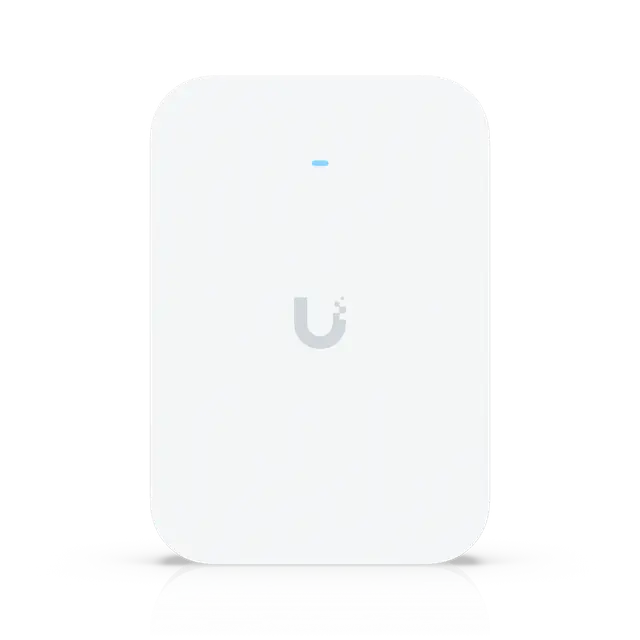 Access Point U7 Pro XG WallWall | 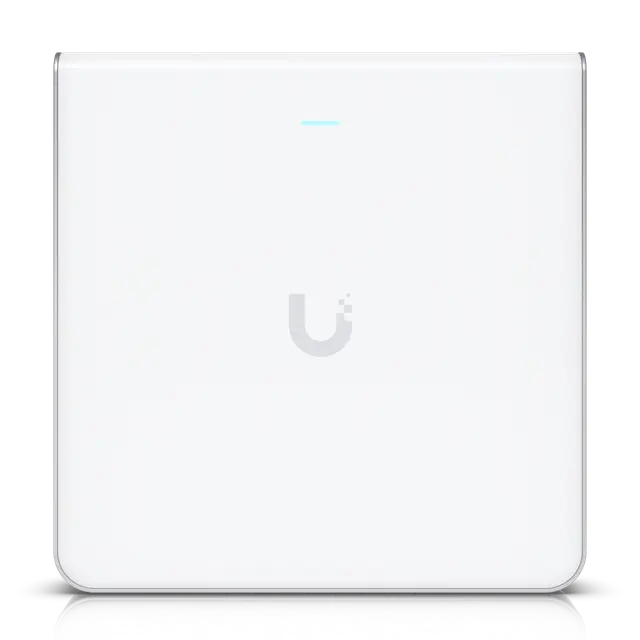 Access Point U6 Enterprise In-WallWall |
|---|---|---|---|---|---|---|
| Overview | ||||||
| Price (excl. VAT) | €135 | €135 | €160 | €185 | €250 | €269 |
| Wi-Fi standard | Wi-Fi 6 | Wi-Fi 7 | Wi-Fi 6 | Wi-Fi 7 | Wi-Fi 7 | Wi-Fi 6E |
| Bands and top speed | 5 GHz 4×4: 4.8 Gbps (160 MHz) 2.4 GHz 2×2: 574 Mbps (40 MHz) | 5 GHz 2×2: 4.3 Gbps (240 MHz) 2.4 GHz 2×2: 688 Mbps (40 MHz) | 5 GHz 4×4: 4.8 Gbps (160 MHz) 2.4 GHz 2×2: 574 Mbps (40 MHz) | 6 GHz 2×2: 5.8 Gbps (320 MHz) 5 GHz 2×2: 4.3 Gbps (240 MHz) 2.4 GHz 2×2: 688 Mbps (40 MHz) | 6 GHz 2×2: 5.8 Gbps (320 MHz) 5 GHz 2×2: 4.3 Gbps (240 MHz) 2.4 GHz 2×2: 688 Mbps (40 MHz) | 6 GHz 4×4: 4.8 Gbps (160 MHz) 5 GHz 4×4: 4.8 Gbps (160 MHz) 2.4 GHz 2×2: 574 Mbps (40 MHz) |
| Wi-Fi | ||||||
| Spatial streams | 6 | 4 | 6 | 6 | 6 | 10 |
| Max clients | 250+ | 200+ | 250+ | 300+ | 300+ | 600+ |
| Coverage | 115 m² | 115 m² | 115 m² | 140 m² | 140 m² | 115 m² |
| Max TX power | 5 GHz: 26 dBm 2.4 GHz: 22 dBm | 5 GHz: 24 dBm 2.4 GHz: 23 dBm | 5 GHz: 26 dBm 2.4 GHz: 22 dBm | 6 GHz: 23 dBm 5 GHz: 26 dBm 2.4 GHz: 22 dBm | 6 GHz: 24 dBm 5 GHz: 26 dBm 2.4 GHz: 23 dBm | 6 GHz: 26 dBm 5 GHz: 26 dBm 2.4 GHz: 22 dBm |
| Antenna gain | 5 GHz: 6 dBi 2.4 GHz: 5 dBi | 5 GHz: 8 dBi 2.4 GHz: 4 dBi | 5 GHz: 5.9 dBi 2.4 GHz: 5 dBi | 6 GHz: 6 dBi 5 GHz: 5 dBi 2.4 GHz: 4 dBi | 6 GHz: 6 dBi 5 GHz: 6 dBi 2.4 GHz: 4 dBi | 6 GHz: 5.8 dBi 5 GHz: 5.8 dBi 2.4 GHz: 4 dBi |
| Antennas | Built-in | Built-in | Built-in | Built-in | Built-in | Built-in |
| Wi-Fi chip | Qualcomm IPQ5018 + QCN9024 | Qualcomm IPQ5322 + QCN6422 | Qualcomm IPQ5018 + QCN9024 | Qualcomm IPQ5322 + QCN6274 | Qualcomm IPQ5322 + QCN6274 | Qualcomm IPQ5018 + QCN9024 (×2) |
| Connection and power | ||||||
| Network port | – | 2.5 Gbps Ethernet | 1 Gbps Ethernet | 2.5 Gbps Ethernet | 10 Gbps Ethernet | 2.5 Gbps Ethernet |
| Ports | – | 1 × 2.5 Gbps RJ45 (PoE input) 2 × 2.5 Gbps RJ45 | 1 × 1 Gbps RJ45 (PoE input) 4 × 1 Gbps RJ45 | 1 × 2.5 Gbps RJ45 (PoE+ input) | 1 × 10 Gbps RJ45 (PoE+ input) | 1 × 2.5 Gbps RJ45 (PoE+ input) 4 × 1 Gbps RJ45 |
| PoE needed | – | PoE | PoE | PoE+ | PoE+ | PoE+ |
| Max power draw | 11 W | 13 W (excl. PoE) | 13 W (excl. PoE) | 22 W | 22 W | 21 W (excl. PoE) |
| PoE adapter included | – | No | No | No | No | No |
| PoE out | – | 1 port, needs PoE+ input | 1 port, needs PoE+ input | – | – | 1 port, needs PoE++ input |
| Physical | ||||||
| Mounting | Wall | Wall | Wall | Wall | Wall | Wall |
| Weatherproofing (IP rating) | – | – | – | – | – | – |
| Dimensions | 169.7 × 112.2 × 77.6 mm | 137 × 98.7 × 30.2 mm | 139.7 × 96 × 31.2 mm | 150 × 103 × 36 mm | 155 × 108 × 33.5 mm | 159.7 × 156.7 × 33.8 mm |
| Weight | 340 g | 400 g | 460 g | 580 g | 505 g | 884 g |
| Operating temperature | -10 to 50 °C | -30 to 40 °C | -30 to 60 °C | -30 to 60 °C | -30 to 40 °C | -30 to 60 °C |
| Good to know | ||||||
| Notes | Cannot be set up standalone: it needs UniFi WiFi managed by a UniFi console or a self-hosted UniFi Network Server. Plugs straight into a standard wall socket (EU plug) and connects wirelessly to the nearest UniFi access point. It has no Ethernet port. | Designed for room-by-room coverage, for example in hotels; the radio is tuned to limit signal bleeding into adjacent rooms. | The PoE output provides up to 15.4 W per port and needs PoE+ at the input. Designed for room-by-room coverage, for example in hotels; the radio is tuned to limit signal bleeding into adjacent rooms. | A table stand, a flush mount and a paintable cover are sold separately as accessories. | A table stand, a flush mount and a paintable cover are sold separately as accessories. | The PoE output provides up to 15.4 W per port and needs PoE++ at the input; the access point itself runs on PoE+. |
Prices in euros excluding VAT from Ubiquiti’s EU store, fetched 2026-11-07. The store may add a temporary surcharge for memory costs of about 10%.
“Not specified” means that neither Ubiquiti nor the sources we use state the value. “–” means it does not apply to the product.
Read more
Choosing a UniFi access point: PoE, placement, bands and Wi-Fi generations
What an access point does, how PoE powers it and why it goes on the ceiling. Then step by step: cable and Wi-Fi speeds, the 2.4, 5 and 6 GHz bands, channel width, MIMO (2×2 and 4×4) and Wi-Fi 4 to 7.
Access points
Every UniFi access point, for ceilings, walls and outdoors. Filter by Wi-Fi standard, MIMO per band, network port and PoE.
Compare access points →